GridSubStudio User Manual
GridSubStudio is a desktop editor for subtitle translation, review, and delivery. This manual follows real user tasks, from importing material through editing, quality checks, machine translation, and final export.
This manual covers Windows x64 and macOS Apple Silicon. The Mac test build requires macOS 27.0+; see Getting Started for installation and the Gatekeeper exception.
First-time users
Read these pages in order:
- Getting Started — create or open a project and learn the workspace.
- Importing Resources — import subtitles and videos, then verify episode assignments.
- Reviewing Subtitles — edit with the grid, video, and timeline.
Find a task
- Productivity Tools — find, filter, batch-edit, and restructure subtitle rows.
- Quality Checks — find reading-speed, line-length, timing, and spelling issues.
- Machine Translation — configure providers, run jobs, and review results.
- Saving and Exporting — save work and export CSV, XLSX, SRT, or ASS.
- Settings and Help — adjust the interface, update the app, and troubleshoot common problems.
- License Management — request, install, renew, or remove an offline license.
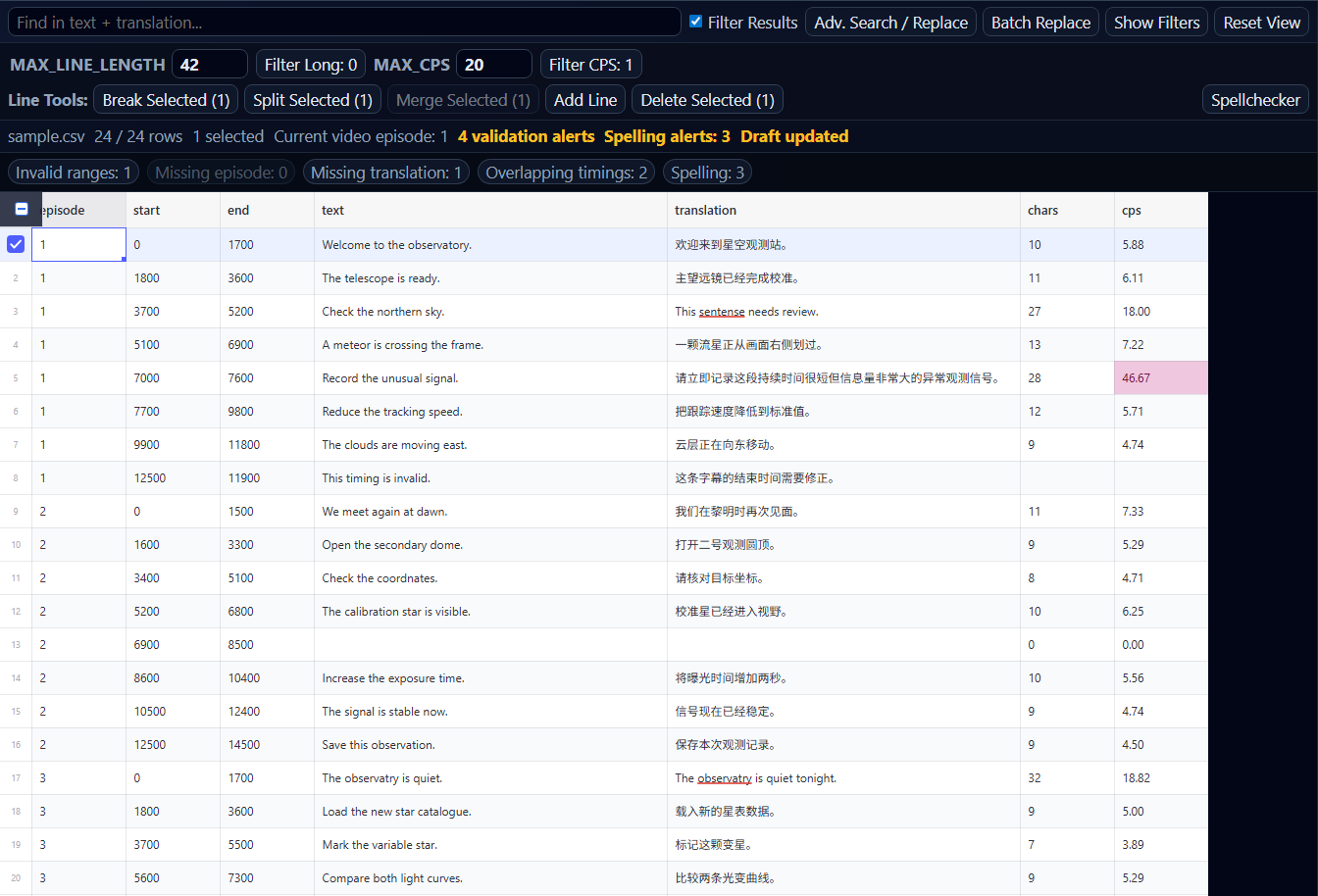
This is the English (en_US) edition. Use the language menu in the top navigation to switch to Simplified Chinese.